🎁Promo
KasGo Cell punya 2 jenis promo built-in yang diakses dari menu Produk: Tebus Murah (minimum belanja untuk tebus produk lebih murah) dan Beli X Gratis Y (bundle gratisan). Plus Harga Bertingkat per-produk (harga grosir berdasarkan jumlah pembelian).
Catatan: Sistem loyalty di KasGo Cell pakai mekanisme poin = diskon Rupiah (bukan tukar produk gratis). Lihat panduan Poin Loyalty.
1. Tebus Murah (Minimum Belanja)
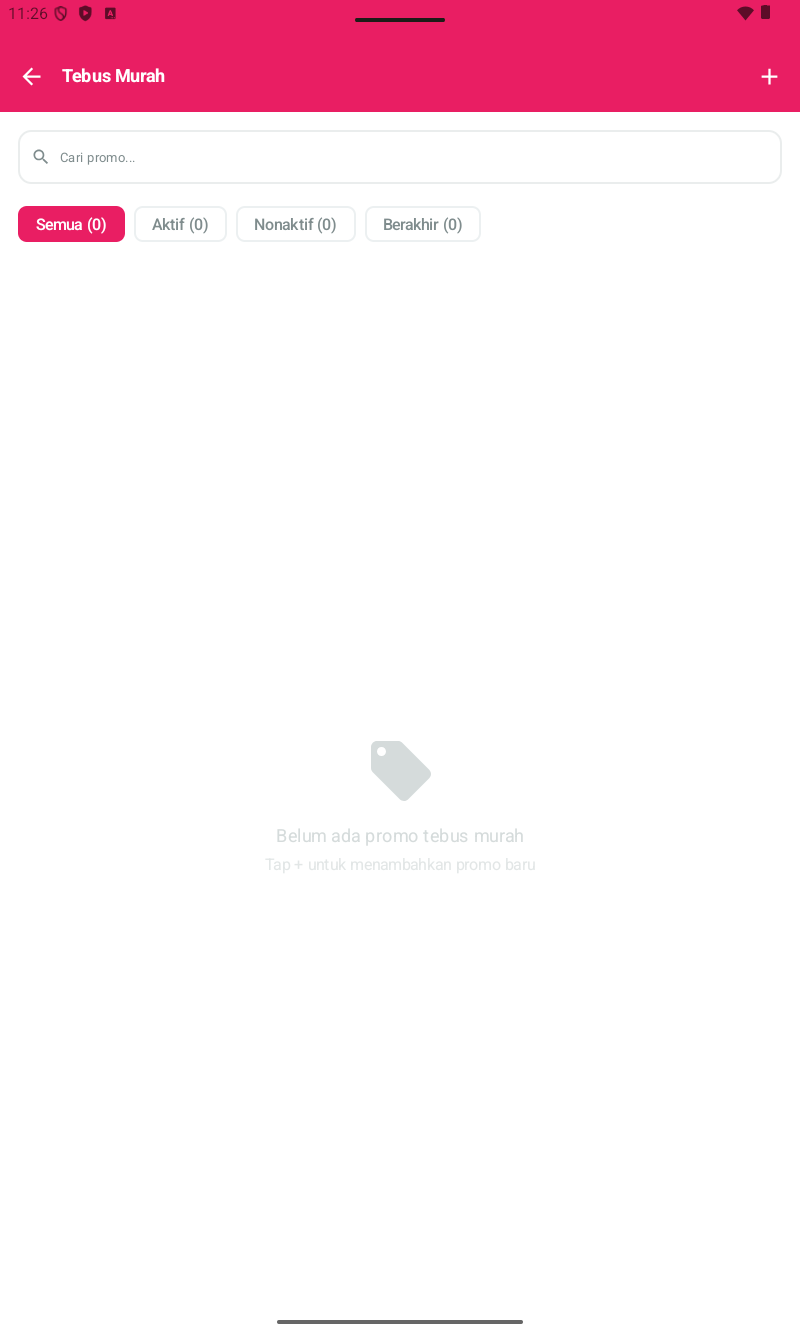
Promo dengan syarat minimum belanja. Customer yang total belanjanya capai threshold tertentu bisa tebus produk tertentu dengan harga khusus (lebih murah dari harga normal).
Layout halaman:
- Search bar "Cari promo..."
- Tabs filter: Semua | Aktif | Nonaktif | Berakhir — dengan counter angka.
- (+) di kanan atas — tambah promo baru.
Cara setup:
- Produk → Tebus Murah.
- Tap (+) di pojok kanan atas.
- Form akan minta: Nama Promo, Minimum Belanja, Produk Tebus + Harga Tebus, Periode aktif (opsional).
- Tap Simpan.
Contoh konkret untuk konter:
- Beli pulsa min. Rp 50rb, tebus tempered glass cuma Rp 5rb (normal Rp 15rb). Bantu jual aksesori slow-moving.
- Beli paket data min. Rp 100rb, tebus kabel data Rp 10rb (normal Rp 25rb).
2. Beli X Gratis Y
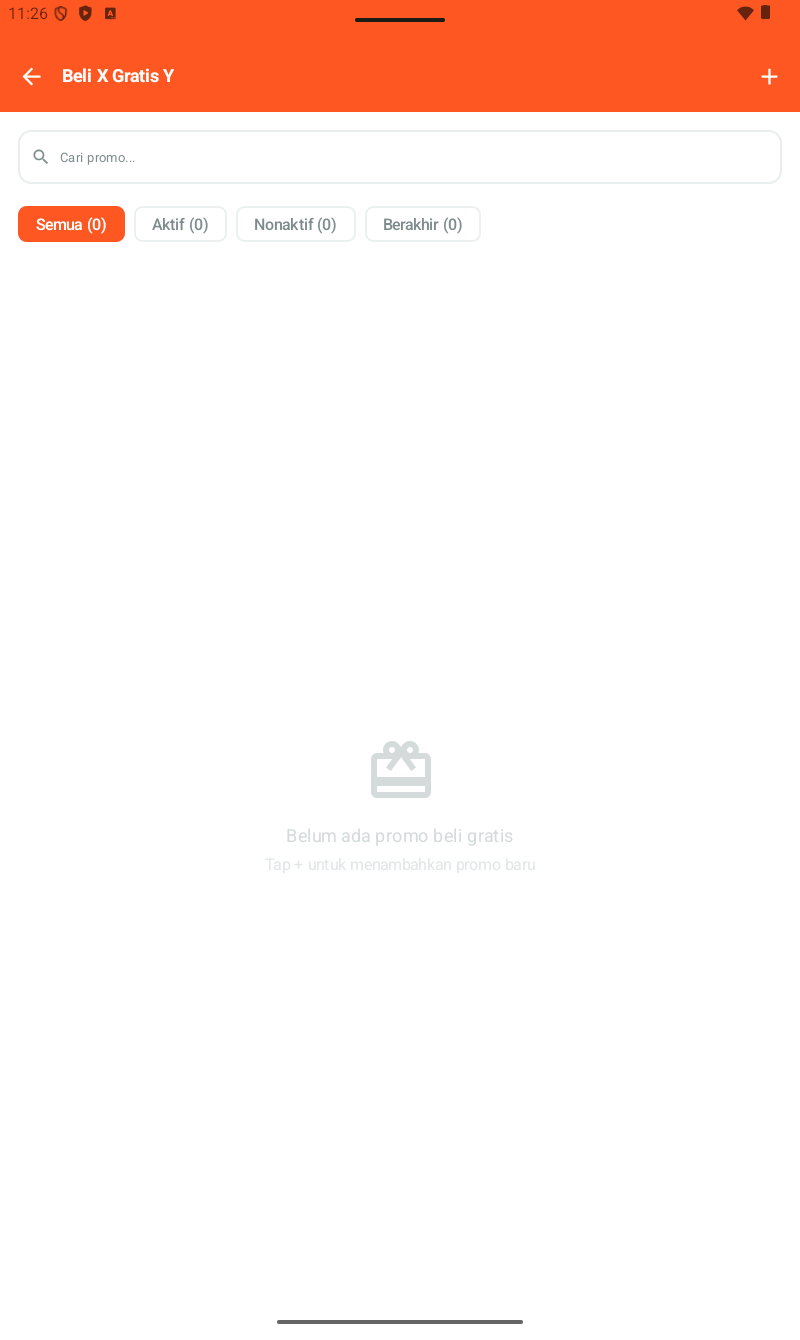
Promo bundling: customer beli produk X (qty tertentu) dapat produk Y gratis. Cocok untuk clearance produk slow-moving atau campaign bundling.
Cara setup:
- Produk → Beli X Gratis Y.
- Tap (+).
- Form akan minta: Nama Promo, Produk X (Beli) + min qty, Produk Y (Gratis) + qty gratis, Periode aktif (opsional).
- Tap Simpan.
Contoh:
- Beli 2 casing HP, gratis 1 tempered glass.
- Beli kabel data + charger, gratis stiker layar.
3. Harga Bertingkat (Harga Grosir per Qty)
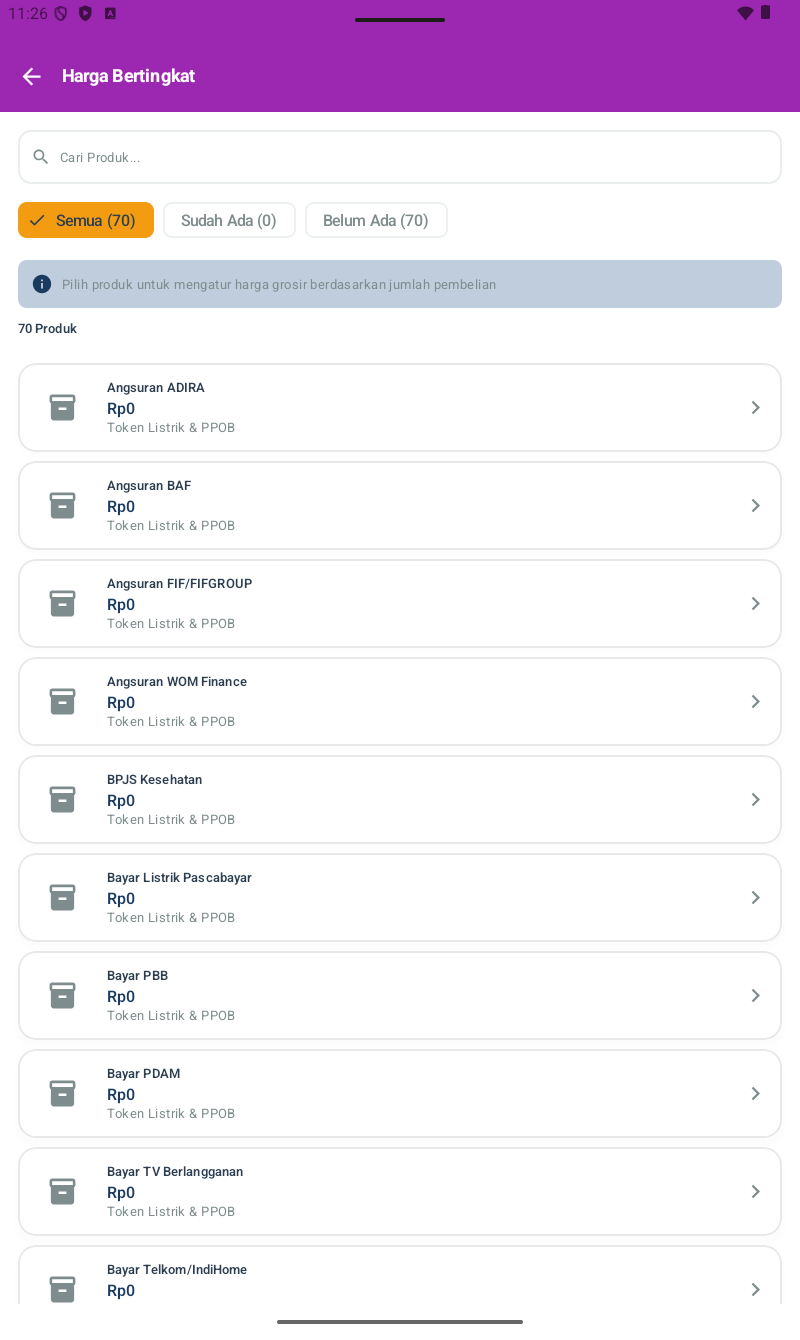
Berbeda dengan Tebus Murah & Beli X Gratis Y, Harga Bertingkat tidak punya halaman promo terpisah — ini setting per produk. Akses langsung dari Produk → Harga Bertingkat untuk lihat semua produk & status settingannya.
Layout halaman:
- Search produk.
- Tabs: Semua | Sudah Ada (produk yang sudah punya tier) | Belum Ada (yang belum di-setup tier-nya).
- Info banner: "Pilih produk untuk mengatur harga grosir berdasarkan jumlah pembelian".
- List produk dengan harga jual saat ini. Default Rp0 = belum diset.
Cara setup tier:
- Tap salah satu produk di list.
- Form tier pricing terbuka — input tier qty + harga per tier (mis. 1-9 pcs = Rp 25.000, 10+ pcs = Rp 22.500).
- Tap Simpan.
Saat transaksi, kasir input qty → sistem otomatis pakai harga tier sesuai jumlah pembelian.
Tips Promo untuk Konter
- Hitung margin dulu sebelum promo. Tebus murah / B1G1 tetap harus profit positif setelah HPP. Cek margin minimal produk gratisan supaya tidak rugi.
- Pakai promo untuk produk slow-moving. Bantu clearance daripada nyangkut modal di rak.
- Pasang banner di konter. Aplikasi cuma eksekusi — promosi visual ke customer tetap perlu cetak banner / stiker.
- Set periode terbatas. Mis. promo cuma 7 hari di akhir bulan. Bikin sense of urgency.
- Tab Berakhir untuk arsip. Promo yang sudah lewat periode auto-pindah ke tab Berakhir — bisa dijadikan referensi promo serupa di masa depan.
- Harga Bertingkat untuk pelanggan grosir. Cocok kalau konter juga jual ke reseller (mis. kabel data eceran Rp 25rb, lusin Rp 22rb).
- Track effectiveness. Setelah promo selesai, buka Laporan Penjualan Per Produk — lihat apakah produk yang di-promo memang naik penjualannya.